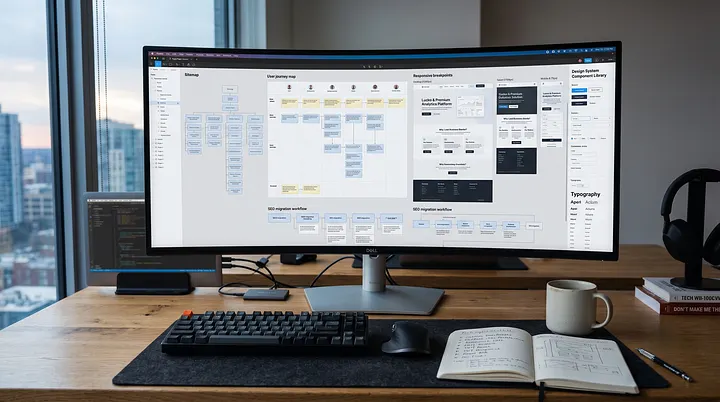
The Complete Technical SEO Guide for Developers (2026 Edition)
Master the foundation of search visibility. This complete 2026 technical SEO guide for developers covers everything from JavaScript rendering (SSR/SSG) and Core Web Vitals to site architecture and crawl budgets, helping you build web applications that search engines love.
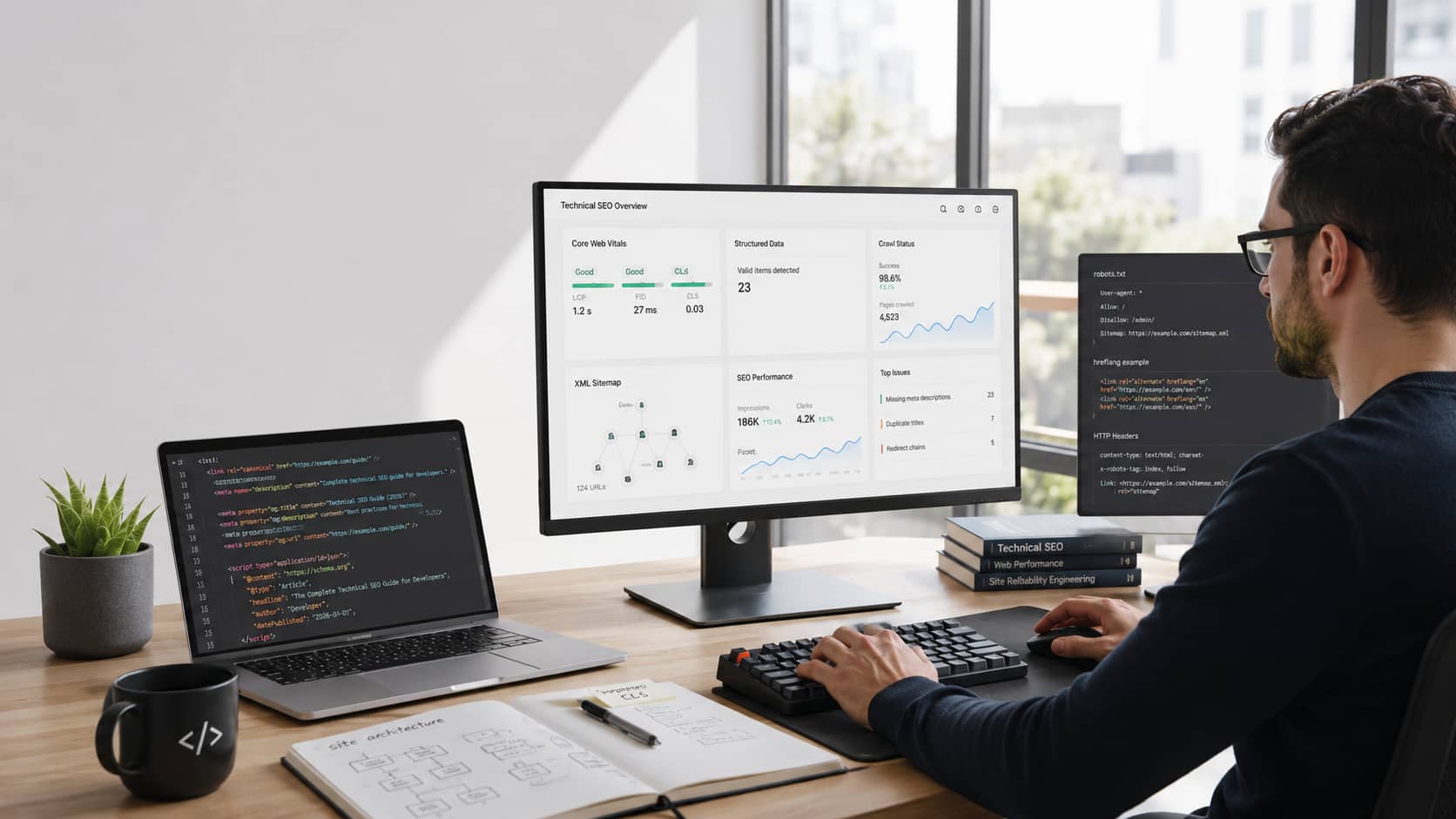
You spent months building a blazing-fast, interactive web application. The UI is flawless. The backend scales beautifully.
But there is a problem. Your organic traffic is flatlining.
Why? Because search engines don't experience the web the way humans do. If a search engine bot cannot easily discover, render, and understand your code, your website effectively does not exist.
Welcome to the 2026 Technical SEO Guide for Developers, written by Kuldeep and the engineering team at WebMixStudio. We are bridging the gap between writing great code and achieving great search visibility.
Whether you are building a modern SPA, migrating a massive e-commerce store, or auditing a legacy system, this guide gives you the exact blueprint to build architecture that search engines love.
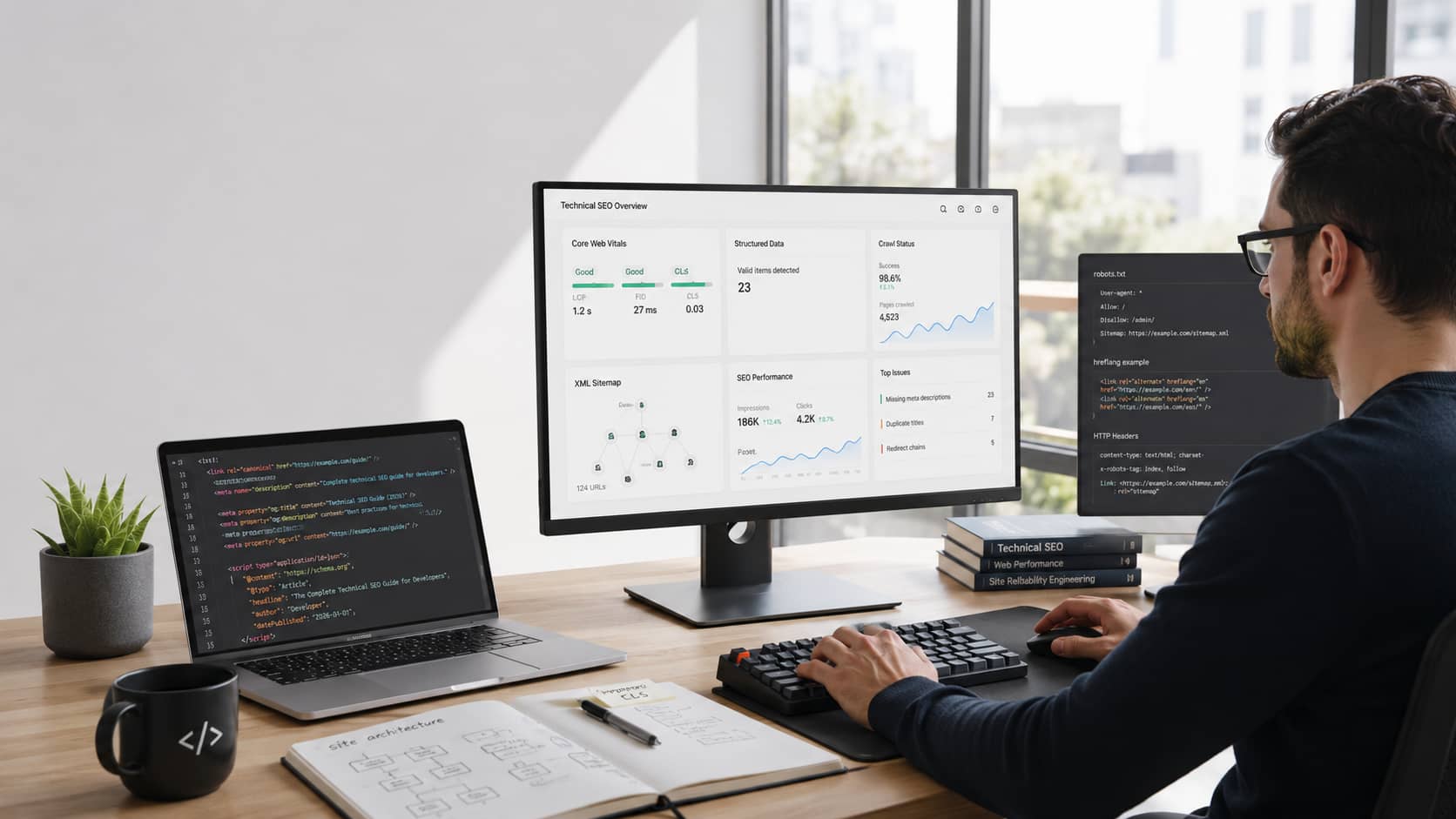
1. What Exactly is Technical SEO?
Let’s keep it simple.
Technical SEO is the structural foundation of your website. It has nothing to do with writing blog posts, keyword stuffing, or begging for backlinks.
For developers, technical SEO means:
Configuring servers correctly.
Choosing the right rendering strategy (SSR vs. CSR).
Writing semantic, clean HTML.
Structuring data so AI search bots understand it.
Optimizing network performance and Core Web Vitals.
Think of it like building a house. SEO and content strategy is the interior design. Technical SEO is the concrete foundation, the plumbing, and the electrical wiring.
Why is 2026 Different?
Search engines are vastly more complex today than they were three years ago.
AI Overviews: Search engines now use massive Large Language Models (LLMs) to synthesize answers. If your DOM is a mess of nested
<div>tags, AI bots will skip your site.The JavaScript Penalty: Modern frameworks (React, Vue) are amazing for users but terrible for bots if not configured properly.
Interaction to Next Paint (INP): Google now severely punishes websites that have input lag or feel "janky" to the user.
Crawl Budget is Real: The web is too big. Google will not waste server resources crawling poorly optimized, infinitely looping URL structures.
2. The Search Engine Pipeline: How Bots Actually Work
To optimize for a bot, you need to think like a bot. Googlebot does not just "read" your website. It processes it through a strict pipeline.
Here is what happens when you publish a new page:
Discovery: The bot finds your URL (usually via an XML sitemap or a link).
Crawling: The bot sends an HTTP request. It downloads the initial, raw HTML file.
Processing: It looks at the HTML to find more links to crawl.
Rendering (The Bottleneck): If your site uses JavaScript to load content, the URL is sent to the Web Rendering Service (WRS). It waits in a queue (sometimes for weeks) until Google has the computing power to execute your JS and see the final DOM.
Indexing: The bot analyzes the final content and stores it in the database to be ranked.
Developer Takeaway: Your goal is to make this pipeline as fast and frictionless as possible. The less work the bot has to do to see your content, the faster you get indexed.
3. Site Architecture: Building for Scale
Before you write a single line of code, you need to map out your architecture.
A messy architecture confuses users and bots alike. A clean architecture passes "link equity" (authority) smoothly from your homepage down to your deepest product pages.
Flat vs. Deep Architecture
You want a Flat Architecture.
Architecture Type | Clicks from Homepage | Verdict |
|---|---|---|
Flat | 1 to 3 clicks maximum | ✅ Ideal. Easy to crawl. Passes authority well. |
Deep | 4 to 10+ clicks | ❌ Bad. Bots will abandon the crawl before reaching the bottom. |
URL Structure Best Practices
URLs should be logical, readable, and predictable.
Avoid this (Dynamic / Parameter-heavy): https://example.com/shop?category=shoes&id=98234&sort=price
Do this (Clean / Semantic): https://example.com/shop/shoes/sneakers
Use hyphens (
-), never underscores (_).Keep them completely lowercase. (Linux servers are case-sensitive;
Pageandpagecreate duplicate content issues).Keep them as short as possible.
Internal Linking
Bots don't click buttons. They follow standard HTML links.
Always use standard anchor tags with descriptive href attributes.
<!-- BAD: Bots will ignore this -->
<span onclick="goToPage('/services')">View Services</span>

<!-- GOOD: Bots will follow this -->
<a href="/services" title="View our web design services">View Services</a>
4. The Core Files: Sitemaps and Robots.txt
These two files are your direct line of communication with search engine crawlers.
The XML Sitemap
An XML sitemap is a literal map of the URLs you want Google to index.
Rule 1: Only include
200 OKpages. Do not put redirects (301) or 404 pages in your sitemap.Rule 2: Generate it dynamically. If a client adds a new blog post, the sitemap must update automatically.
Rule 3: Follow the standard Sitemaps XML protocol.
If you are running a massive site, break your sitemap into smaller files using a Sitemap Index.
Robots.txt
This file sits at the root of your domain (yourdomain.com/robots.txt). It tells bots where they are not allowed to go.
User-agent: *
Disallow: /admin/
Disallow: /cart/
Disallow: /*?search=

Sitemap: https://webmixstudio.com/sitemap.xml
Pro Tip: Blocking a page in
robots.txtstops the crawling, but it doesn't always stop indexing if another site links to it. To guarantee a page stays out of Google, use the<meta name="robots" content="noindex">tag in your HTML head.
5. Duplicate Content: Canonicals and Redirects
E-commerce platforms and dynamic apps generate duplicate content automatically. This destroys your SEO.
Canonical Tags
The rel="canonical" tag tells Google, "Hey, out of all these similar pages, THIS is the master copy."
Imagine you have these URLs:
example.com/tshirtsexample.com/tshirts?color=redexample.com/tshirts?sort=low-to-high
They all show mostly the same content. You must add this tag to the <head> of URLs 2 and 3:
<link rel="canonical" href="https://example.com/tshirts" />
Redirects (301 vs. 302)
When redesigning an app or moving routes, you must redirect the old URLs to the new ones, or you lose all your traffic.
301 (Moved Permanently): Use this 99% of the time. It passes all SEO authority to the new URL.
302 (Found / Temporary): Use this only for short-term server maintenance. It tells Google not to pass authority because the move isn't permanent.
Avoid "Redirect Chains" (URL A -> URL B -> URL C). Configure redirects at the server edge (via Cloudflare or Nginx) for maximum speed. If you are doing a massive overhaul, always follow a strict website redesign checklist.
6. JavaScript SEO: The Rendering Dilemma
This is the most critical section for modern frontend developers.
If you build a Single Page Application (SPA) using standard React or Vue, you are using Client-Side Rendering (CSR).
With CSR, the server sends an empty HTML file with a <div id="root"></div> and a massive JavaScript bundle. Googlebot hates this. It requires too much processing power to render.
To fix this, you must change your rendering strategy.
Server-Side Rendering (SSR)
The server executes the React/Vue code, generates the fully populated HTML, and sends it to the browser.
Pros: Bots get the content instantly. Perfect for SEO.
Cons: Harder to scale, higher server costs.
Learn more: Why SSR is Crucial for Technical SEO
Static Site Generation (SSG)
Pages are compiled into static HTML files during the build step.
Pros: Blazing fast. Incredible for SEO. Extremely secure.
Cons: Content isn't real-time. (You have to rebuild the site to update a typo).
Next.js Technical SEO
This is why frameworks like Next.js are the industry standard. They allow you to mix CSR, SSR, and SSG on a per-page basis.
When we handle Next.js development for clients, we leverage the native App Router Metadata API for perfect SEO:
// Next.js App Router Metadata API
export const metadata = {
  title: 'Technical SEO Guide 2026',
  description: 'The ultimate guide for developers.',
  alternates: {
    canonical: 'https://webmixstudio.com/guide',
  },
  openGraph: {
    title: 'Technical SEO Guide 2026',
    images: ['/seo-og-cover.webp'],
  },
}
Laravel and PHP SEO
Don't count out backend frameworks.
Because PHP generates HTML on the server by default, frameworks like Laravel are inherently SEO-friendly. When deciding between stacks, the Laravel vs Node.js debate often comes down to how easily you can manage server-side logic vs frontend interactivity. Laravel’s Blade templating engine makes injecting meta tags and structured data incredibly simple.
7. Performance: Core Web Vitals (2026 Standards)
Google doesn't just want your site to be relevant; it wants it to be fast.
You must pass the Core Web Vitals assessment, which measures real-world user experience. You can test your site using Google PageSpeed Insights.
1. Largest Contentful Paint (LCP)
What it is: Measures how fast the main content (hero image, H1 text) loads.
The Goal: Under 2.5 seconds.
The Fix: Preload your hero images. Compress images to WebP or AVIF formats. Use high-performance managed hosting to reduce Time to First Byte (TTFB).
2. Interaction to Next Paint (INP)
What it is: Replaced the old FID metric. It measures how quickly the page responds to a user clicking or typing.
The Goal: Under 200 milliseconds.
The Fix: Break up long JavaScript tasks in the main thread. Defer non-critical scripts (like analytics or chat widgets) until after the page loads.
3. Cumulative Layout Shift (CLS)
What it is: Measures visual stability. Does the page jump around as images or ads load?
The Goal: Less than 0.1 score.
The Fix: Always specify explicit
widthandheightattributes on your<img>tags. Reserve space via CSS for dynamic content.
8. Speak to the AI: Structured Data (Schema Markup)
AI Overviews and rich search results rely on Structured Data.
Structured data is a standardized format for providing information about a page and classifying its content. You write it using JSON-LD and inject it into the <head> of your document.
By providing explicit clues, you help Google feature your site in Recipe Cards, FAQ drop-downs, and Product Review snippets.
Example of Local Business Schema:
<script type="application/ld+json">
{
  "@context": "https://schema.org",
  "@type": "LocalBusiness",
  "name": "WebMixStudio",
  "image": "https://webmixstudio.com/logo.png",
  "url": "https://webmixstudio.com",
  "telephone": "+1234567890",
  "address": {
    "@type": "PostalAddress",
    "addressLocality": "New York",
    "addressCountry": "US"
  }
}
</script>
Always validate your code using the Google Rich Results Test tool before pushing to production.
9. The Developer's Technical SEO Checklist
Before launching any web project, run through this final checklist to ensure you haven't left critical SEO performance on the table:
Indexability: Check that
robots.txtisn't blocking critical CSS/JS files.Noindex Tags: Ensure staging server
noindextags were removed from production.Sitemaps: Submit your dynamic XML sitemap to Google Search Console.
Canonicals: Verify every page has a self-referencing canonical tag.
Mobile First: Ensure viewport meta tags are correct and the site is responsive.
Core Web Vitals: Pass LCP, INP, and CLS tests on mobile and desktop.
Status Codes: Ensure there are no internal links pointing to 404 pages.
Redirects: Verify all HTTP traffic redirects to HTTPS.
JavaScript: Use the URL Inspection tool to ensure Google can render your JS content.
10. Tools of the Trade
Every developer should have these bookmarked:
Google Search Console: The ultimate source of truth. Tells you exactly what Google thinks of your site.
Screaming Frog SEO Spider: A desktop app that crawls your site like a bot, finding broken links, missing meta tags, and redirect loops.
Google Lighthouse: Built right into Chrome DevTools for rapid performance auditing.
Ahrefs / Semrush: Premium tools for tracking rankings and backlink profiles.
web.dev: Google's official educational resource for modern web standards.
Frequently Asked Questions
1. How long does it take for Technical SEO fixes to work? Unlike content updates, technical fixes require Google to recrawl your site and re-evaluate your architecture. This typically takes 2 to 4 weeks, depending on your crawl budget.
2. Should I use a subdomain or a subdirectory for my blog? Always use a subdirectory (example.com/blog). Search engines treat subdomains (blog.example.com) as entirely separate websites, meaning you split your domain authority in half.
3. Does website hosting really impact SEO? Yes. If your server is slow, your Time to First Byte (TTFB) is high. This directly harms your Core Web Vitals. Investing in proper website hosting and maintenance is non-negotiable for serious traffic.
4. What is a "Crawl Budget"? It is the limited number of pages a search enginebot is willing to crawl on your site per day. If you waste your budget on infinite pagination or broken links, your valuable product pages will never get indexed.
5. How do I fix "Crawled - currently not indexed" in Search Console? This means Google saw the page, but didn't think it was important enough to index right now. Fix this by improving the page's load speed, ensuring it has unique content, and linking to it from high-authority pages on your own site.
6. Does UI/UX design affect technical SEO? Absolutely. If your design causes massive layout shifts (CLS), or uses intrusive pop-ups that block content on mobile, Google will demote the page. Good UI/UX systems are built with performance in mind.
7. Is Server-Side Rendering (SSR) always better than Client-Side Rendering (CSR)? For public-facing websites that rely on organic traffic (blogs, e-commerce, marketing sites), SSR or SSG is almost always better. CSR is fine for private dashboards behind a login wall where SEO doesn't matter.
8. Do I still need an XML Sitemap in 2026? Yes. While Google is good at finding links, a clean XML sitemap acts as a priority list, telling the crawler exactly what you consider most important and when it was last updated.
Final Conclusion
Technical SEO is not a one-and-done checklist. It is an ongoing engineering commitment.
As search engines rely more on AI and strict performance metrics, the architecture of your website is just as important as the content on it. By mastering rendering strategies, respecting the crawl budget, and optimizing Core Web Vitals, you ensure your digital products don't just exist—they dominate.
Building modern, SEO-perfect websites requires a deep understanding of both design and engineering. If your current stack is holding you back, or your organic traffic is suffering from technical debt, you need a team that understands the full picture.
Ready to rebuild your digital presence?
At WebMixStudio, we specialize in high-performance custom web development using modern frameworks like Next.js and Laravel. From deep technical audits to complete conversion optimization, our team is ready to scale your platform.
Book a call with our technical experts today and let's start building architecture that search engines love.
Written By
Webmixstudio
Creative Director at WebMixStudio
WebMixStudio is a modern digital agency specializing in high-performance websites, scalable web applications, and conversion-focused digital experiences for startups and growing businesses.
Keep Reading
More insights from the WebMixStudio team.

PHP2Shell: How to Patch CVE-2026-109618 and CVE-2026-109619 in PHP, WordPress and Laravel

Next.js App Router in Production: 5 Architectural Mistakes Crashing Your Core Web Vitals & Server Costs